
How To Fix 100% Disk Usage in Windows 10/11 (2026 Working Method)
Fix 100% Disk Usage in Windows 10/11 with easy steps. Disable services, optimize drive, and boost PC performance quickly and safely.
CLEAR ANSWERS. BETTER TECH DAYS.
Clear Windows fixes, performance guides, gaming help, and useful tools—all in one place.
THE KNOW-HOW YOU CAME FOR
Fix 100% Disk Usage in Windows 10/11 with easy steps. Disable services, optimize drive, and boost PC performance quickly and safely.
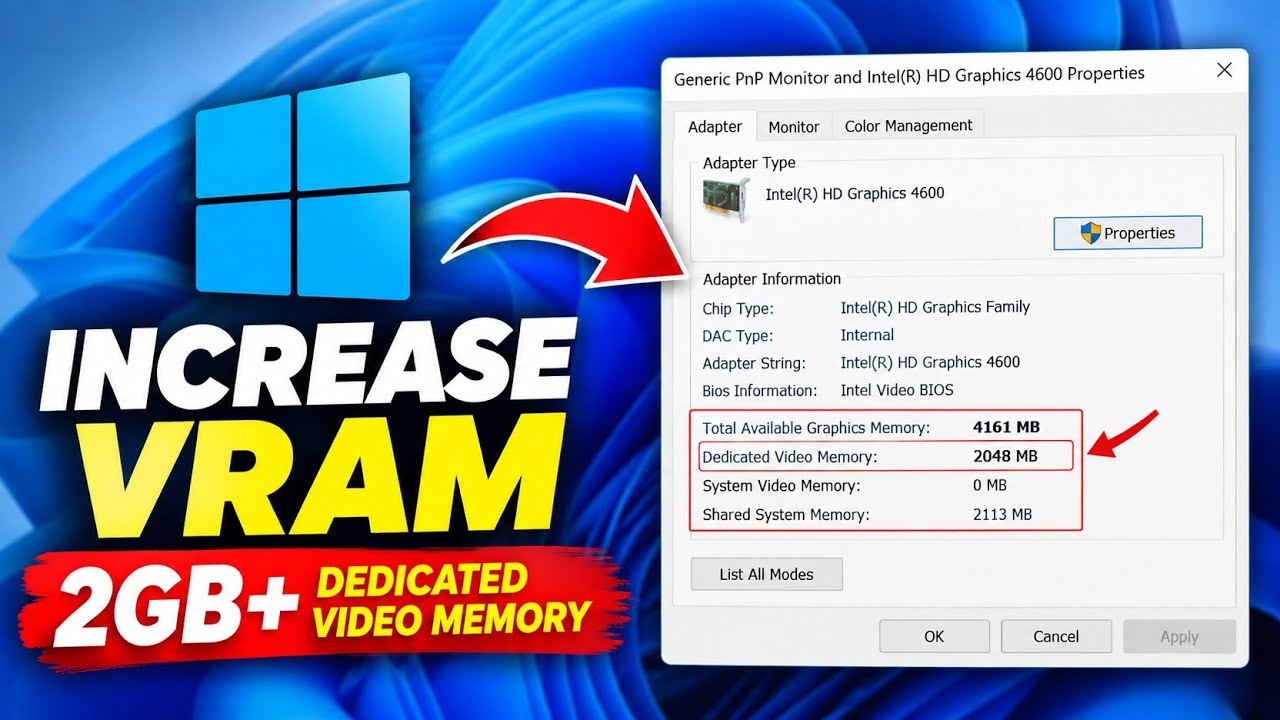
Learn how to increase reported VRAM on Intel HD Graphics without software using Registry Editor, plus what this means for FPS
Make your Windows desktop clean and professional with these simple customization settings. Follow the complete step-by-step guide.
FIND YOUR CORNER
From a small annoyance to a stubborn error.
Start with what’s getting in your way.
Updates, settings, and everyday Windows problems.
Browsers, launchers, and the apps you depend on.
Understand slowdowns. Make changes that count.
Launch errors, stutters, and interrupted game time.
Practical utilities and official download sources.
Useful AI workflows, with privacy in mind.
A LITTLE DIRECTION GOES A LONG WAY
You don’t need to know the technical term. Pick what’s happening, and we’ll point you toward a sensible next step.
Start troubleshootingRuns in your browser. No scans. No AI API.
 THE FIX FINDER
Guided checklists, not an automatic diagnosis.
SMALL TOOLS. BIG DIFFERENCE.

Small utilities for window layouts, renaming, and everyday Windows workflows.
View tool details
An open-source archive manager for extracting and organizing compressed files.
View tool details
A free, open-source media player for a wide range of audio and video formats.
View tool details
An external AI workspace. Availability and limits vary. Do not activate billing or share private data.
View tool detailsClear details first. Each tool page links to its destination website, and nothing downloads automatically.
Our standardsONE GOOD GUIDE LEADS TO ANOTHER

Build a premium animated website with Google AI Studio using natural-language prompts, design refinements, responsive checks, and exported code
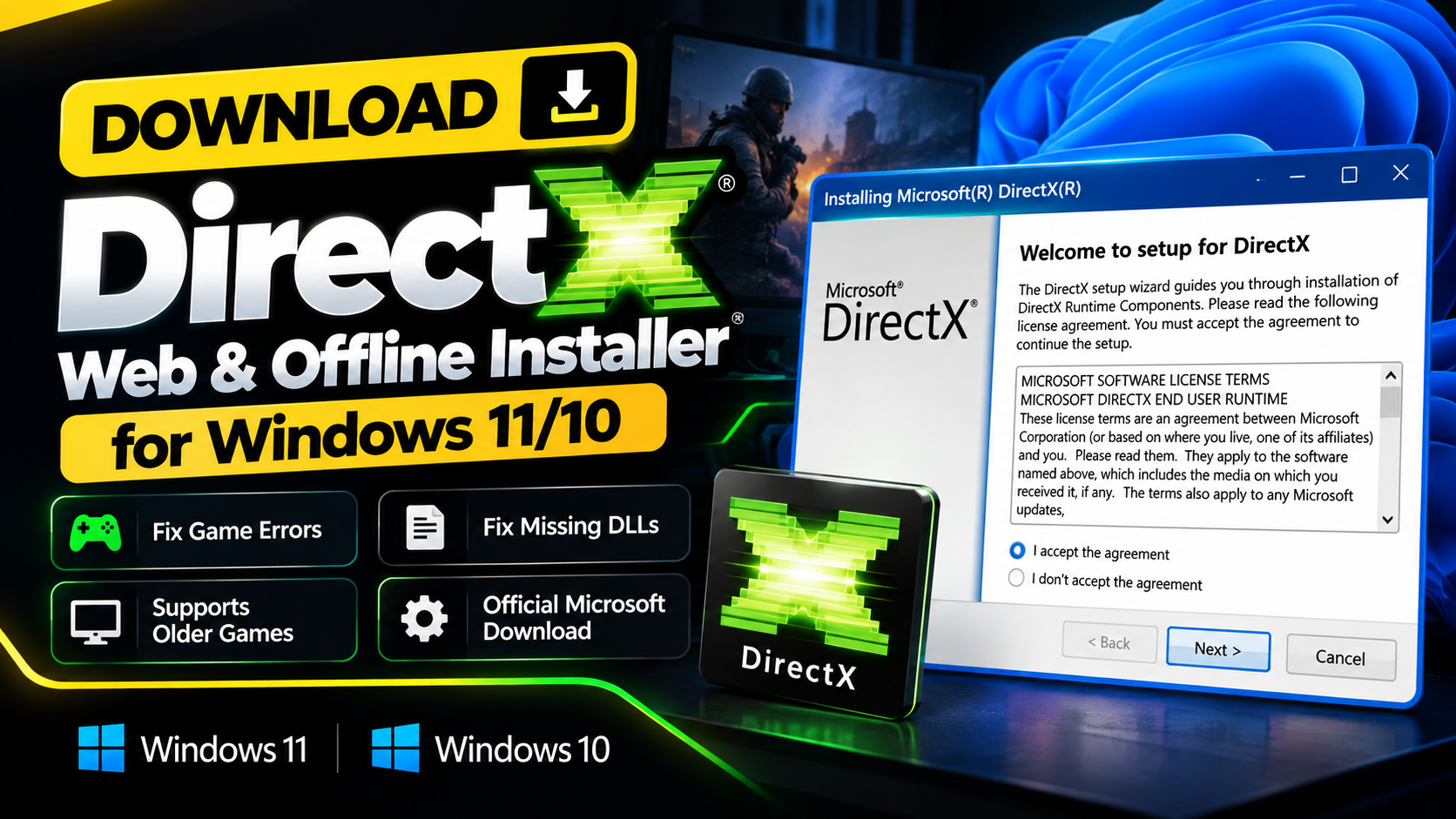
Download the official Microsoft DirectX End-User Runtime Web and Offline installers for legacy game components, missing DLLs, and launch errors.
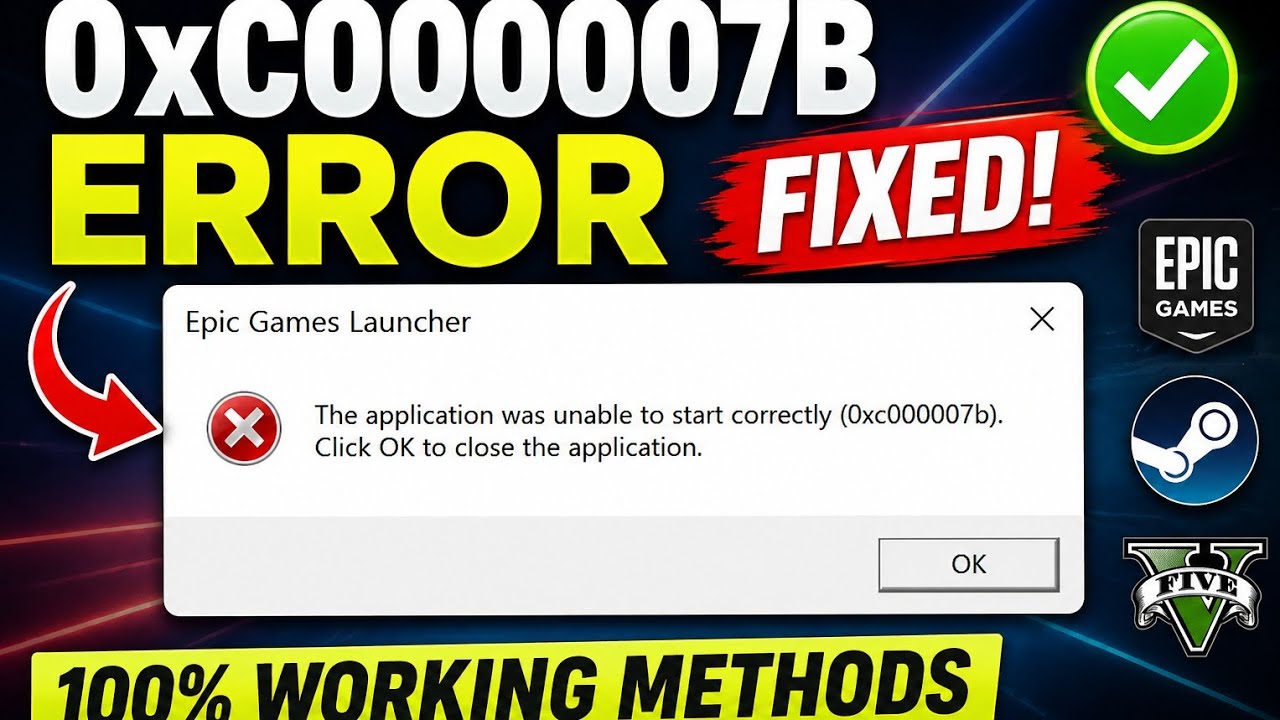
Fix 0xc00007b application error in Windows 10 & 11 using SFC Scan, DirectX and Visual C++ Redistributable. Easy 2026 working guide.
GOOD QUESTIONS
Practical help starts with knowing
what to expect.
Try Find a fix. Choose the closest symptom and it will suggest a short, low-risk checklist and a relevant guide. It does not scan your device or make changes for you.
All FixIt Zone guides are free to read. The toolbox links to free utilities and built-in tools on their official websites. Check each publisher’s license and requirements before installing.
No. Hardware, drivers, temperatures, and the software you use all affect the result. Change one thing at a time and compare the same workload. We do not promise a specific FPS gain.
Yes. The contact page helps you prepare an issue report with your device, app, exact error, and attempted fixes. Message delivery is only available when a contact endpoint has been connected.
No. It is a guided, rule-based helper running in your browser. There is no AI API, remote device access, or automatic diagnosis. Your selections are not sent to a server.
THERE’S A NEXT STEP
A few questions. A clearer starting point. No guesswork required.