

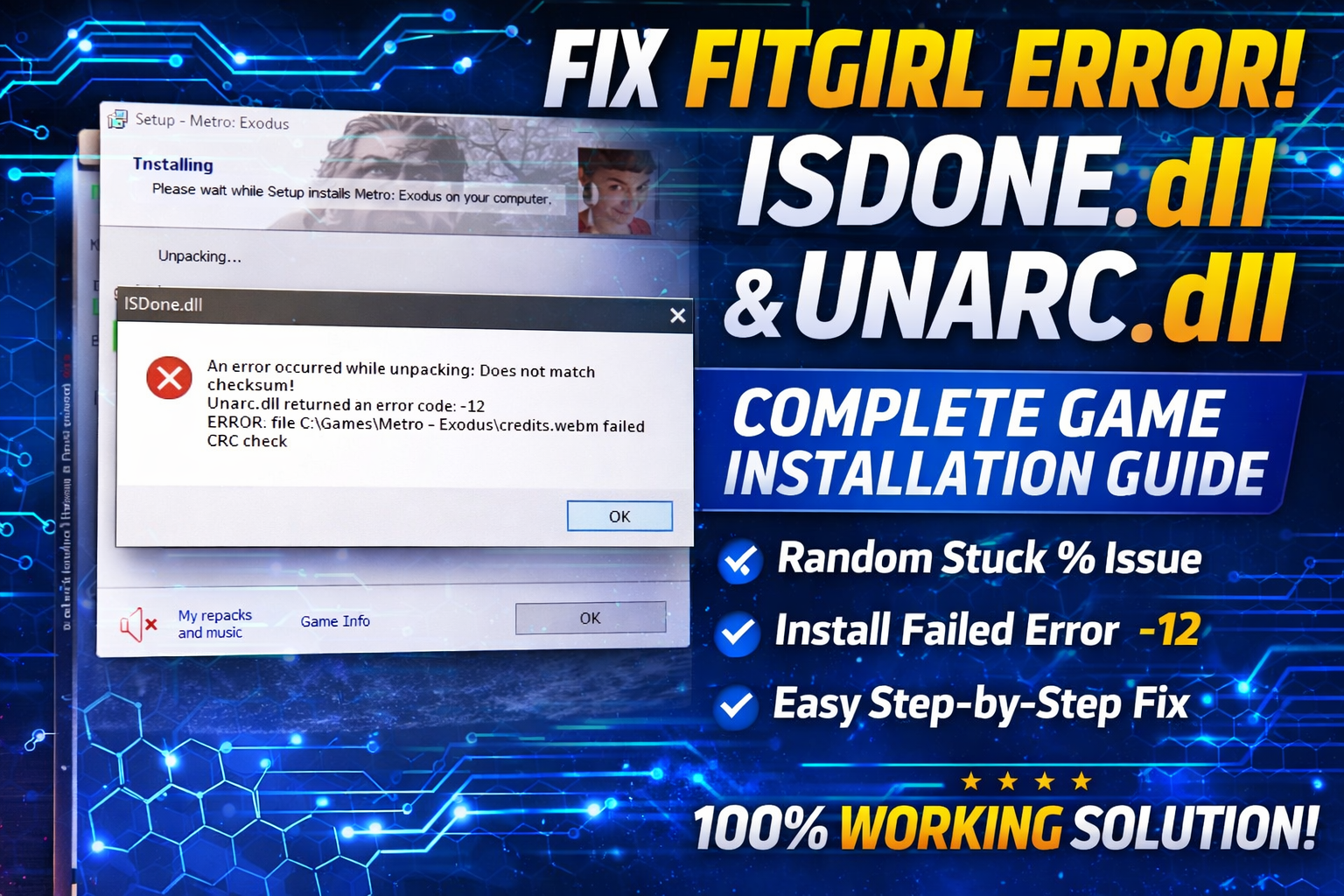
How to Fix FitGirl Setup ISDone.dll & Unarc.dll Error | Game Stuck at Random %
Fix FitGirl ISDone.dll & Unarc.dll error during game installation. Solve game stuck at random % with working 2026 methods.
Fix 0xc00007b application error in Windows 10 & 11 using SFC Scan, DirectX and Visual C++ Redistributable. Easy 2026 working guide.
THE SHORT VERSION
Fix 0xc00007b application error in Windows 10 & 11 using SFC Scan, DirectX and Visual C++ Redistributable. Easy 2026 working guide.
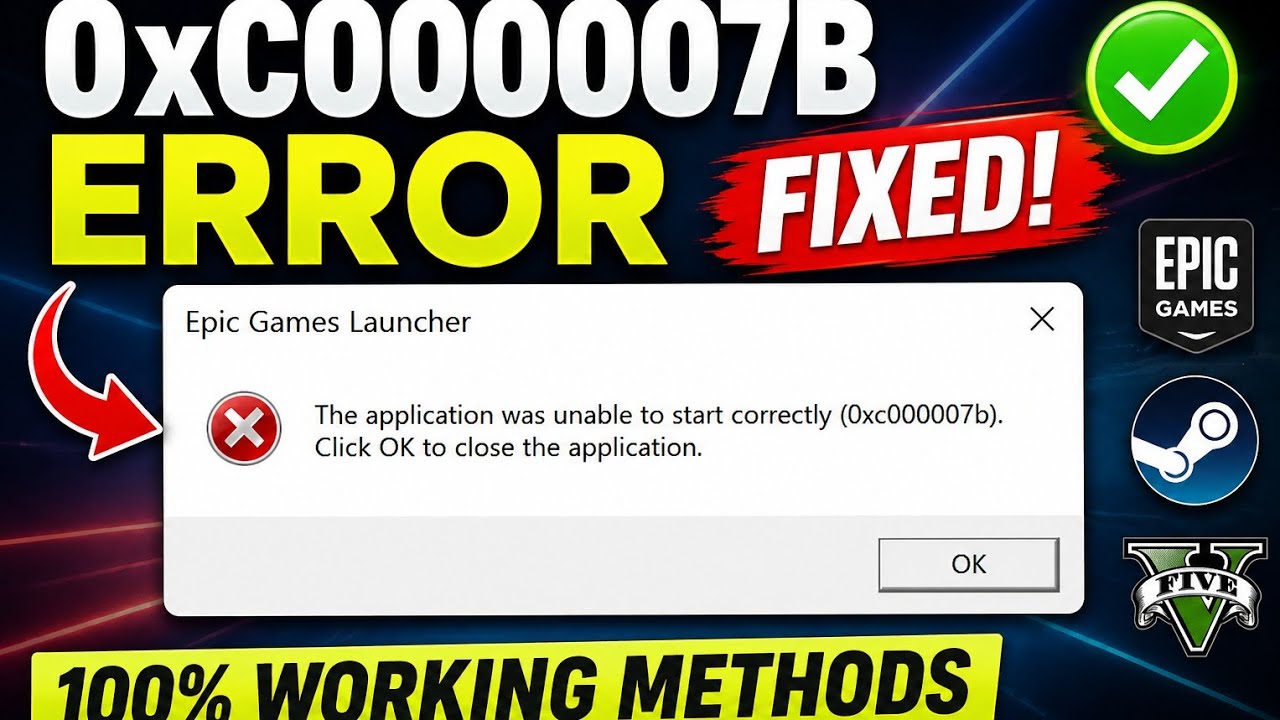
If you’re getting the following error:
The application was unable to start correctly (0xc00007b). Click OK to close the application.
Don’t worry.
This error is very common in Windows 10 and Windows 11 and usually appears when launching:
The good news is that this problem can usually be fixed within a few minutes.
In this guide, I’ll show you 3 working methods that solve the 0xc00007b error for most users.
The first method is to repair damaged or missing Windows system files.
Open Command Prompt as Administrator.
Type the following command:
sfc /scannow
Press Enter.
Wait until the scan reaches 100%.
This process repairs corrupted Windows files that may be preventing applications from launching correctly.
After the scan finishes, restart your PC and try opening the application again.
If the error is still there, continue with Method 2.
Many games and applications require the latest DirectX components.
Missing DirectX files are one of the most common causes of the 0xc00007b error.
Download the latest DirectX below.
Install DirectX completely.
Restart your computer.
Now try opening your application again.
If the issue still exists, proceed to Method 3.
Many applications depend on Microsoft Visual C++ Runtime libraries.
If one or more versions are missing or corrupted, you’ll often see the 0xc00007b Application Error.
Download the latest Visual C++ Redistributable All-in-One package below.
Extract the downloaded ZIP file.
Run Install_all.bat as Administrator.
Wait until all Visual C++ packages are installed.
Restart your PC.
This method fixes the issue for most games and applications.
The error usually appears because of:
The 0xc00007b Application Error can usually be fixed by repairing Windows files, installing DirectX, and installing the latest Visual C++ Redistributable packages.
Follow the methods in the exact order shown above.
If you’re still facing the issue, leave a comment below and I’ll try to help you.
Each resource is clearly labelled and opens on its destination page. Nothing downloads automatically.
DirectX End-User Runtime Web InstallerOfficial downloadDownload Visual C++ Redistributable Runtimes All-in-OneA step looks different? Report a correction. Guidance is general and does not replace your device manufacturer’s advice.
KEEP YOUR MOMENTUM
Fix FitGirl ISDone.dll & Unarc.dll error during game installation. Solve game stuck at random % with working 2026 methods.
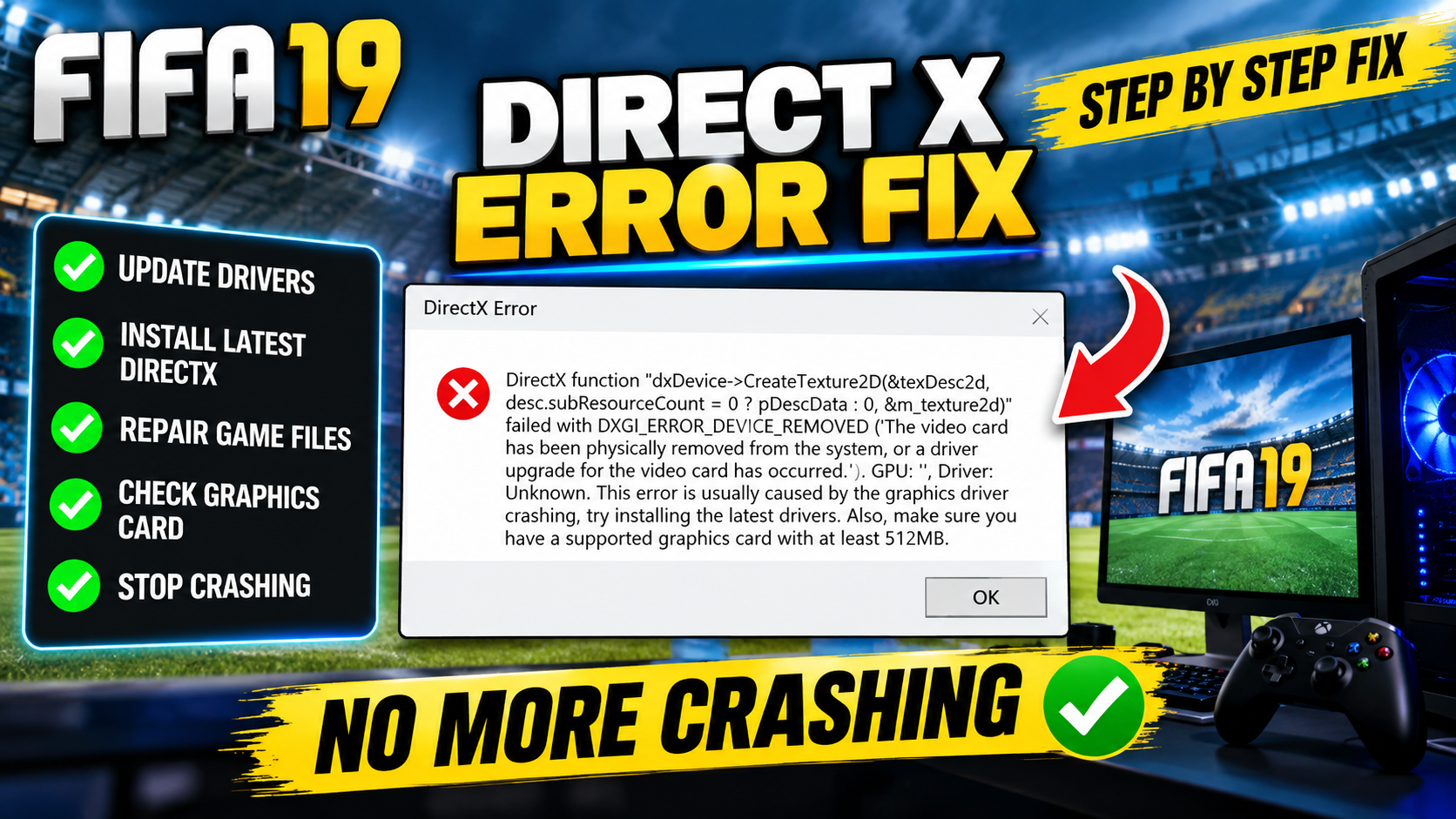
Fix FIFA 19 DirectX GetDeviceRemovedReason error on PC. Step-by-step registry fix to stop crashes on Windows 10 & 11.
Fix 100% Disk Usage in Windows 10/11 with easy steps. Disable services, optimize drive, and boost PC performance quickly and safely.