

How To Fix 100% Disk Usage in Windows 10/11 (2026 Working Method)
Fix 100% Disk Usage in Windows 10/11 with easy steps. Disable services, optimize drive, and boost PC performance quickly and safely.
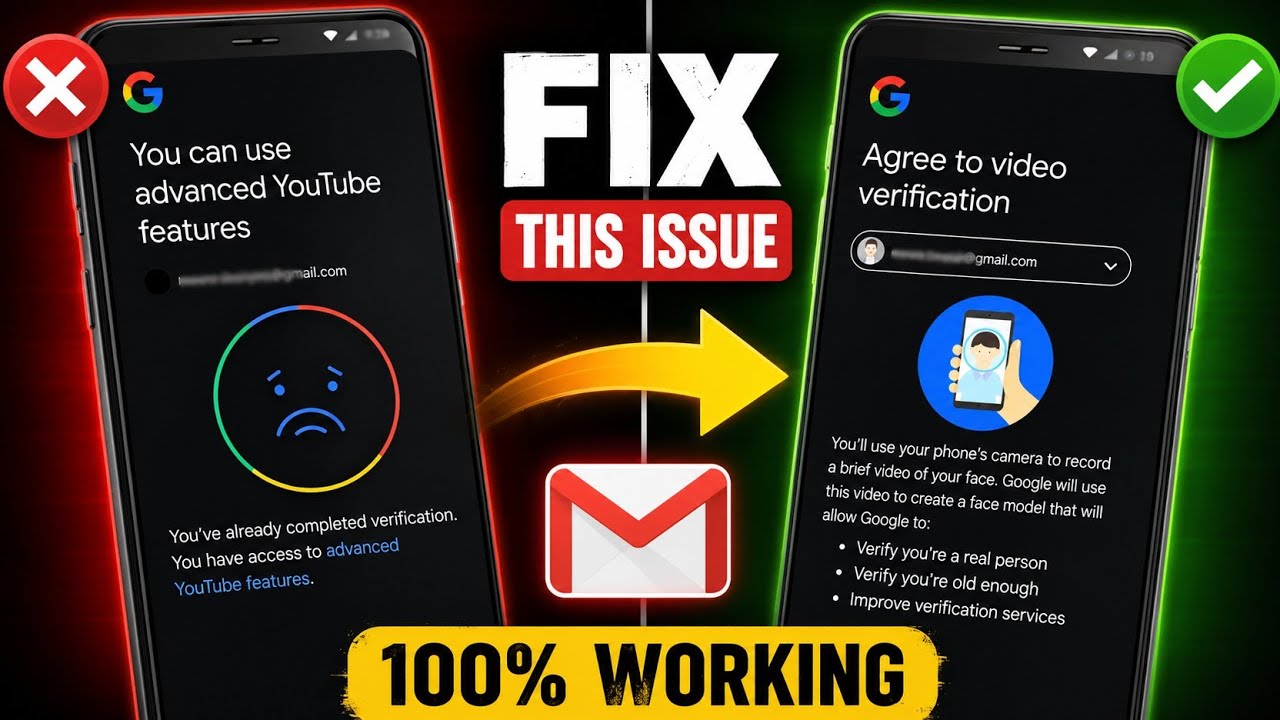
Fix YouTube Advanced Features email verification issue and solve the "You have already completed this verification" error quickly.
THE SHORT VERSION
Fix YouTube Advanced Features email verification issue and solve the "You have already completed this verification" error quickly.
If you’re trying to enable YouTube Advanced Features but keep seeing the message:
“You have already completed this verification.”
you’re not alone. This issue prevents many creators from completing the verification process, even though their Advanced Features are still locked.
The good news is that this problem can usually be fixed in just a few minutes.
This issue normally happens when Chrome or your Google account session becomes out of sync with YouTube Studio.
Instead of starting the verification process, YouTube thinks you’ve already completed it and displays the following message:
You have already completed this verification.
Because of this, you can’t continue with the video verification process.
Follow these steps carefully.
Open the Google Chrome browser on your phone.
Tap your profile icon in the top-right corner.
Then tap the Google account currently signed into Chrome.
Scroll down and tap Sign out.
Don’t worry.
This does not permanently remove your Google account from your phone.
It only signs you out of Chrome, and you can sign back in immediately.
Now tap the profile icon again.
Sign in using the same Google account that owns your YouTube channel.
Make sure you’re signing into the correct account if you use multiple Gmail accounts.
Go back to:
YouTube Studio -> Settings -> Channel -> Feature Eligibility -> Advanced Features -> Start Verification
This time, the verification process should start normally instead of showing the error message.
If you’re still facing the issue:
Preview Video:
Check out a quick preview of the tutorial on YouTube before downloading.
Usually because your Google account session in Chrome isn’t syncing properly with YouTube Studio.
No.
It only signs you out of Chrome. Your account remains safely linked to your device.
Yes.
This method works for most Android devices using Google Chrome.
Yes.
At the time of writing, this method is still working for many users.
If the “You have already completed this verification” message is stopping you from enabling YouTube Advanced Features, simply refreshing your Chrome sign-in session is often enough to fix the problem.
Follow each step carefully, then try the verification process again.
If this guide helped you, consider sharing it with other creators who are facing the same issue.
A step looks different? Report a correction. Guidance is general and does not replace your device manufacturer’s advice.
KEEP YOUR MOMENTUM
Fix 100% Disk Usage in Windows 10/11 with easy steps. Disable services, optimize drive, and boost PC performance quickly and safely.
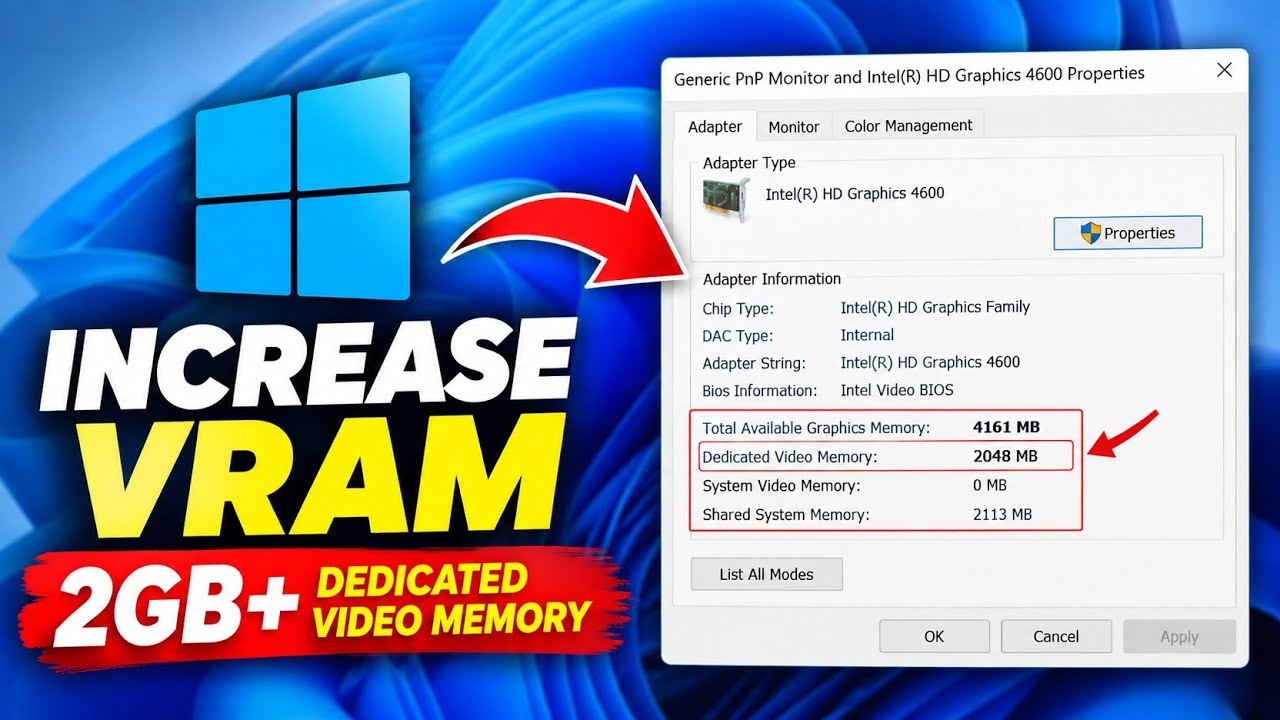
Learn how to increase reported VRAM on Intel HD Graphics without software using Registry Editor, plus what this means for FPS
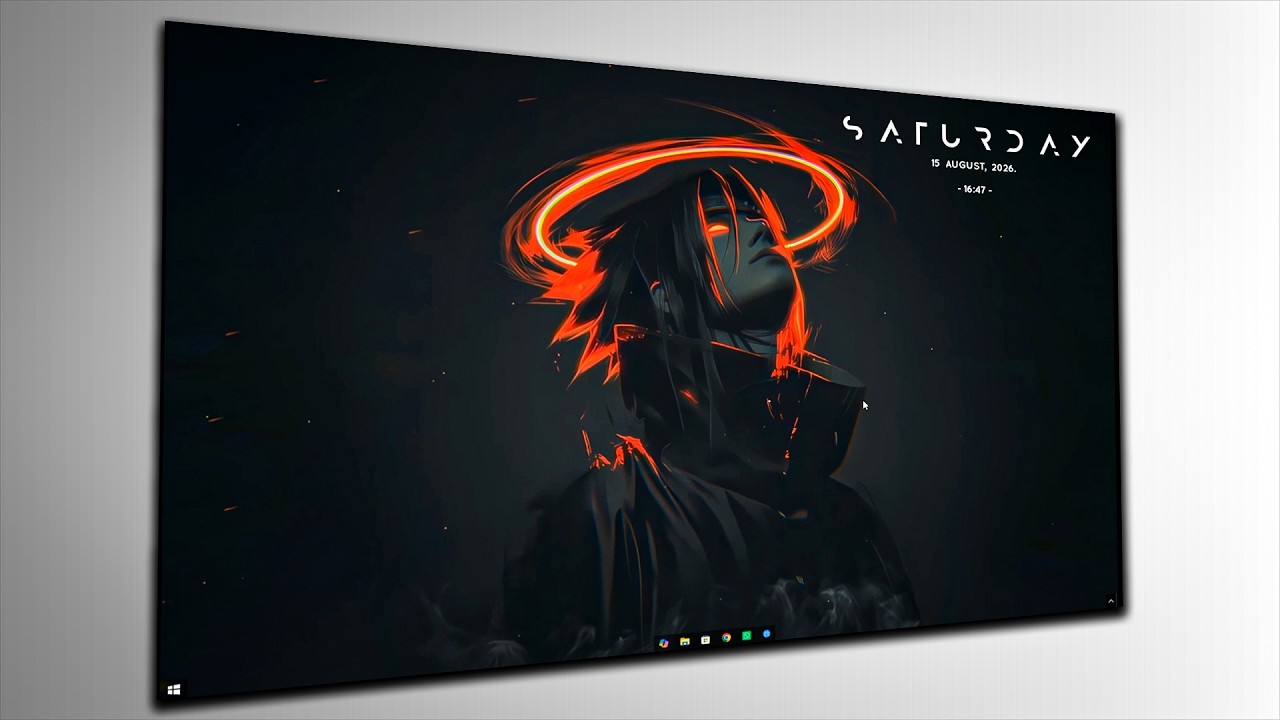
Make your Windows desktop clean and professional with these simple customization settings. Follow the complete step-by-step guide.